EN / 日本語
moodboard
A window for checking what your AI generated. For macOS (open source).
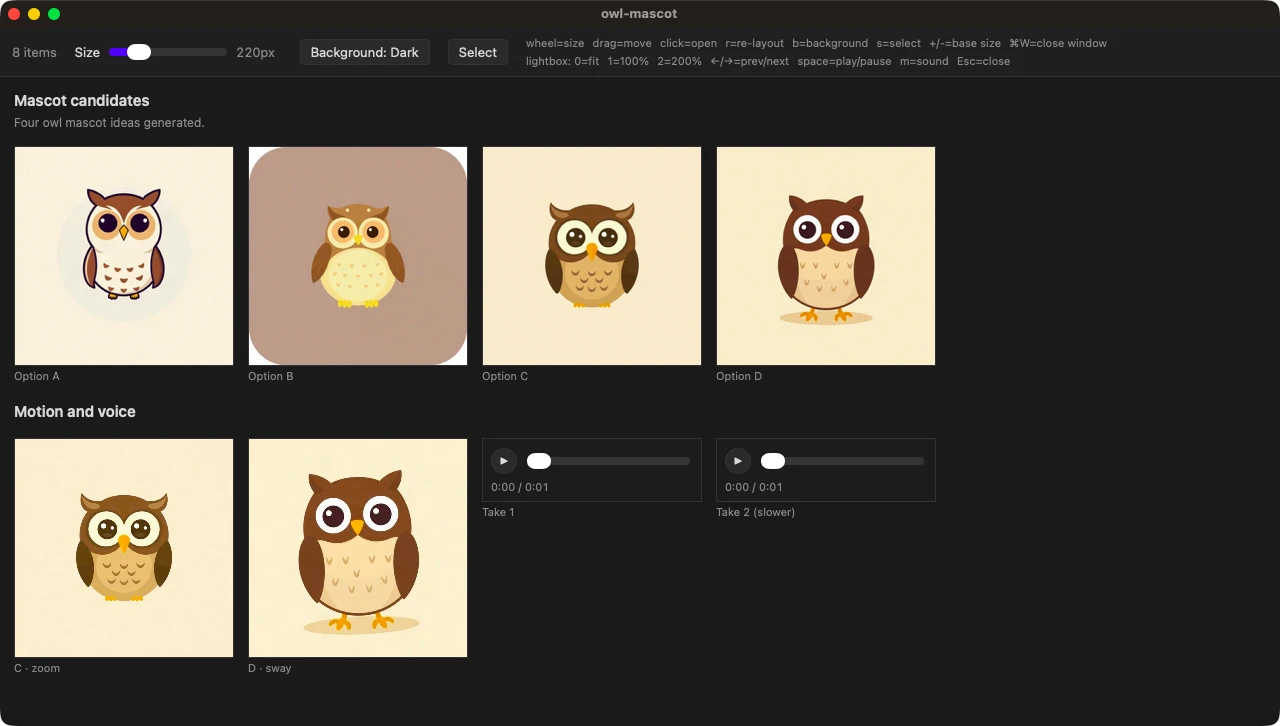
When your coding agent (Claude Code etc.) generates images, videos or audio, it opens them in moodboard, laid out side by side like prints on a light table. You look them over, compare the candidates, and tell the agent which one to keep. You don't open the files one by one, and the agent doesn't need to describe them in text. It is released under the MIT license.
View on GitHubInstall the command and the agent skill to use it (see below).
What you can check
- Images — PNG / WebP / animated GIF. Zoom in to the pixel, overlap two candidates, check transparency on a checkerboard
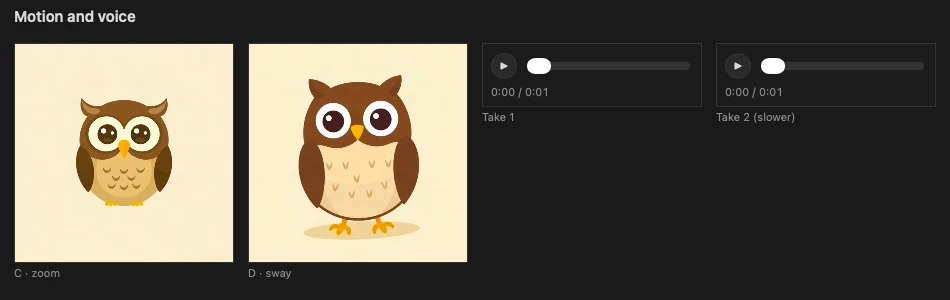
- Videos — mov / webm / mp4. They loop silently side by side; open one to watch it with sound
- Audio — wav / mp3 / m4a / aac / flac / ogg / opus. Each file is a player card, so you can listen to takes one after another
Features
- Move cards freely — the wheel resizes the card under the cursor, dragging moves it, and r puts everything back
- One window per task — the agent reuses a named window for the same task, so new results replace the old ones instead of piling up windows
- Copy the paths you picked — press s, select cards and press ⌘C to copy their paths. Paste them into the conversation to tell the agent which files you picked
- Exits only once the files are on screen — the command waits until the window has actually loaded the files and reports the result in its exit code, so the agent doesn't move on assuming it opened
- Japanese and English — follows your macOS language setting
Requirements and setup
macOS only (tested on macOS only). Set up Bun, then install the command and the agent skill. The skill follows the Agent Skills format. See the README for details.
bun install -g github:mohhh-ok/moodboard
npx skills add mohhh-ok/moodboard
After that, ask your agent to “show me in moodboard” or “put them side by side”, and a window opens with the files.
Privacy
There is no developer server, and it makes no network requests. The files it shows are read only on your device.