EN / 日本語

Gyokan
Select text, get a Japanese explanation on the spot.
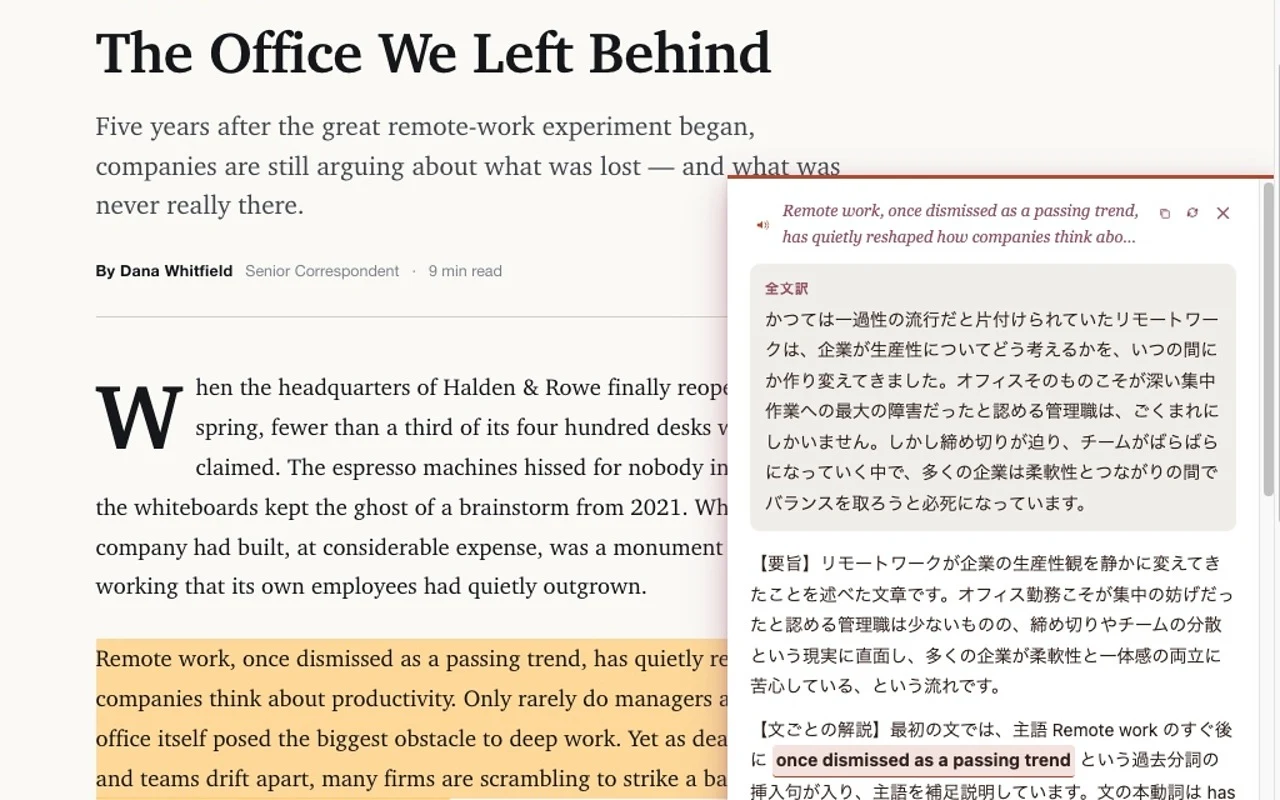
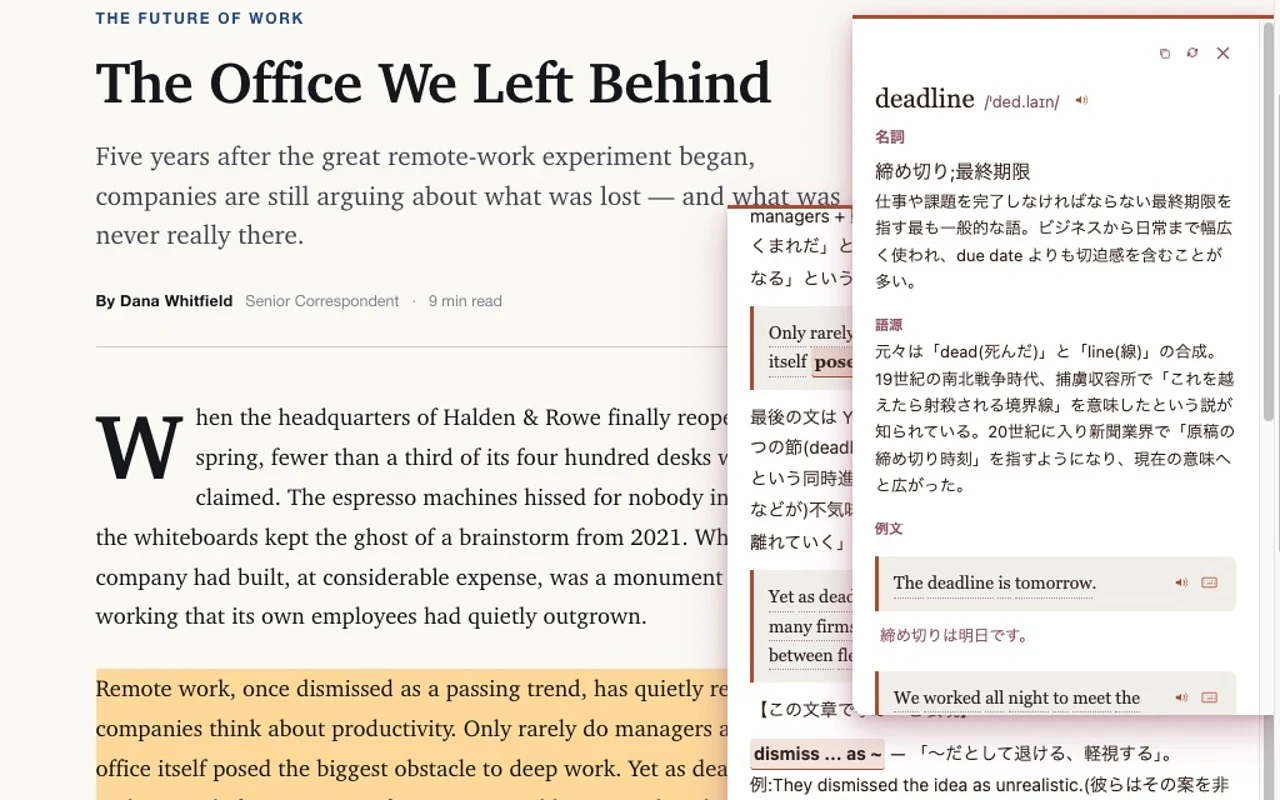
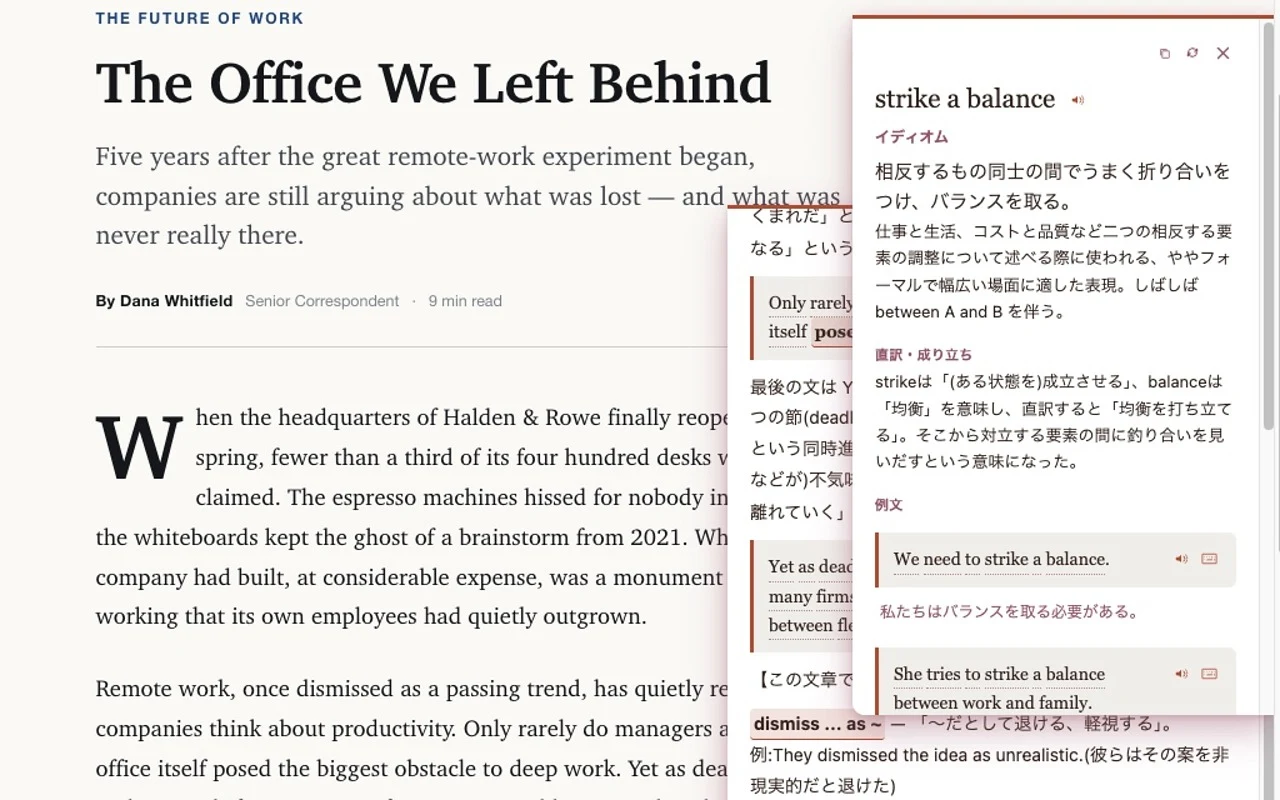
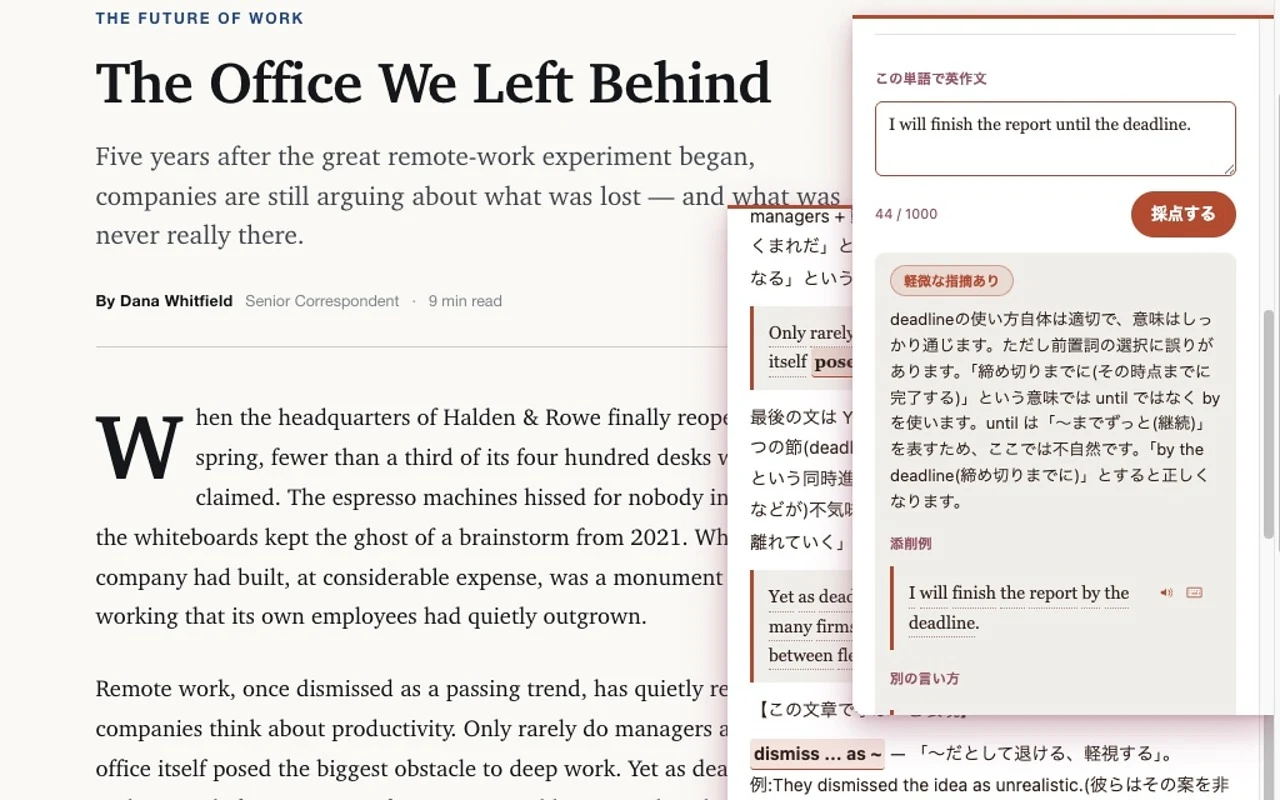
Select text on any webpage and a Japanese explanation opens right there. Gyokan is a Chrome extension for Japanese-speaking learners of foreign languages, built so you can check translation, grammar, and vocabulary together without breaking your reading flow. The source language is detected automatically (currently tested mainly with English).
Get it on the Chrome Web StoreYou'll need an Anthropic or OpenAI API key to use it (choose your provider on the options page). Each explanation you generate and each question it answers is billed to your own account. Text-to-speech relies on your OS's speech engine; depending on your setup, you may need to configure voices in the OS first (on Linux in particular, it may stay silent until you do).
Privacy
There is no developer-run server. The text you select and the questions you ask about an explanation are sent directly to whichever provider (Anthropic or OpenAI) you configured with your API key. Your API key, history (including questions and answers), and settings are stored only on your device and are never sent to anyone else, including the developer. See the Privacy policy (Japanese) for details.